

Skip to content
SulekhaSocial Connect
Sign in
Start free trial

NewNow with Pinterest

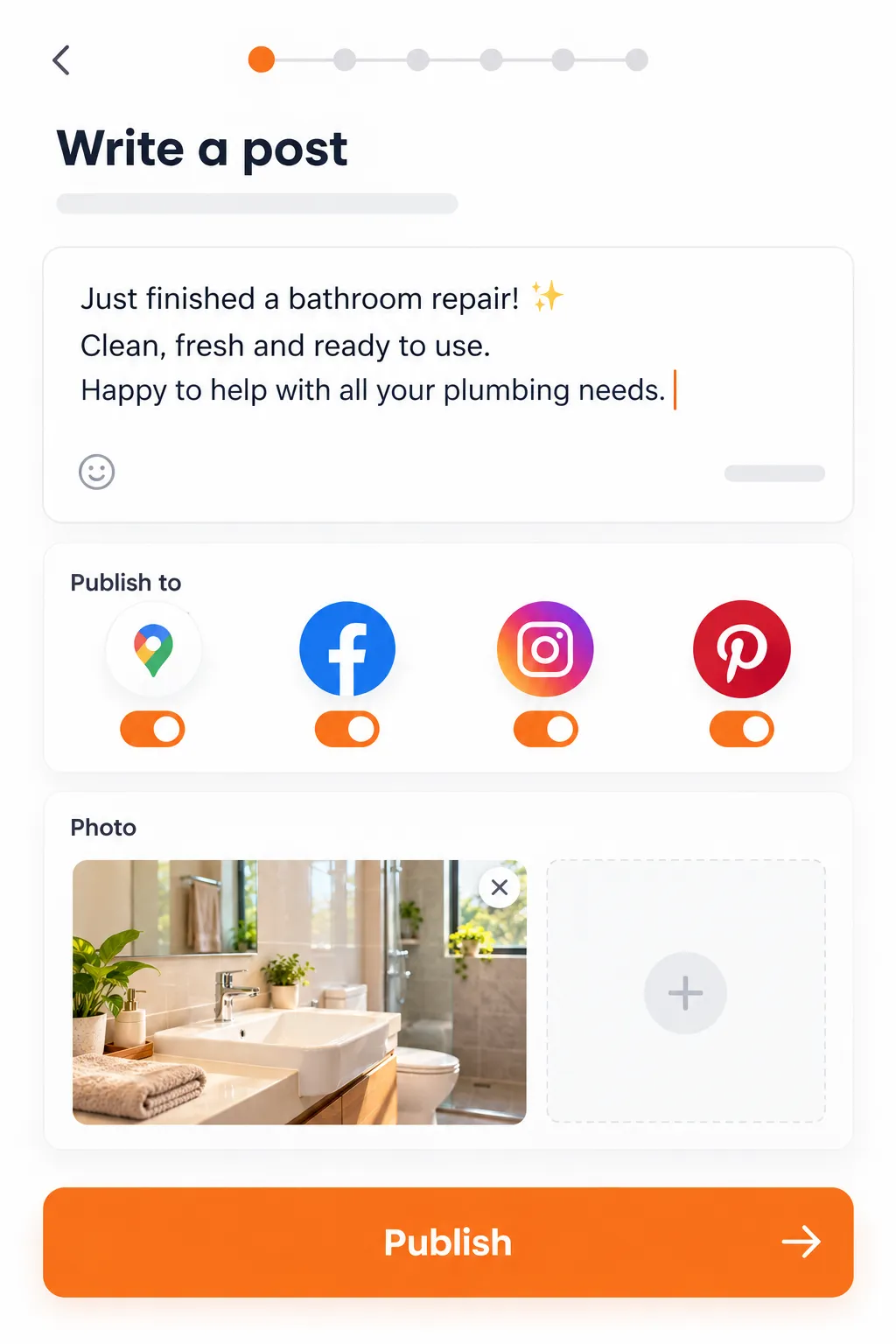
Write one post. It goes to Google, Facebook, Instagram and Pinterest.

Connect your Google listing, Facebook Page, Instagram and Pinterest once. After that, everything you post goes to all of them.

  • 14 days free
  • No card needed
  • Cancel from the app

On this page

Everything the app does fits into three steps, and takes about five minutes.

One post, four channels

Write it once. It goes to all four.

Your post Example

Blocked drain on a Sunday? We answer the phone. Same-day callouts across Plano and Frisco. Call (469) XXX-XXXX.

  • Google Business Profile Published
  • Facebook Page Published
  • Instagram Published
  • Pinterest Published

The example post follows your country.

How it works

Three steps, about five minutes

Everything the app does fits into one of these steps.

Connect your accounts

Sign in to Google, Facebook, Instagram and Pinterest once. It takes a few minutes.

  • Warnings before posts fail. Platforms sign you out now and then. We tell you before your next post is due and give you a one-tap reconnect.
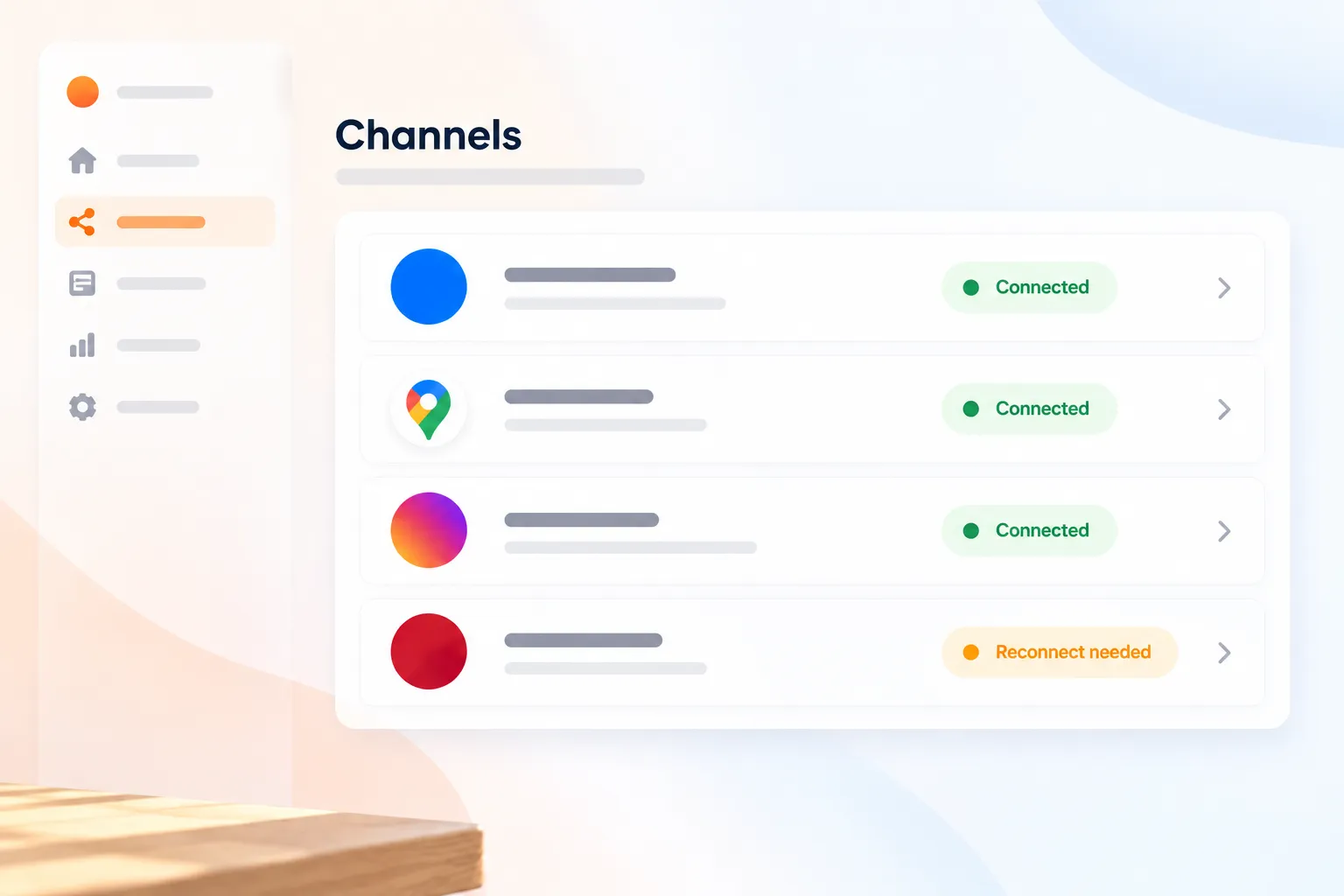
The Channels screen with four connected accounts

Google Business Profile Connected

Facebook Page Connected

Instagram Reconnect needed

Pinterest Connected
Write your post

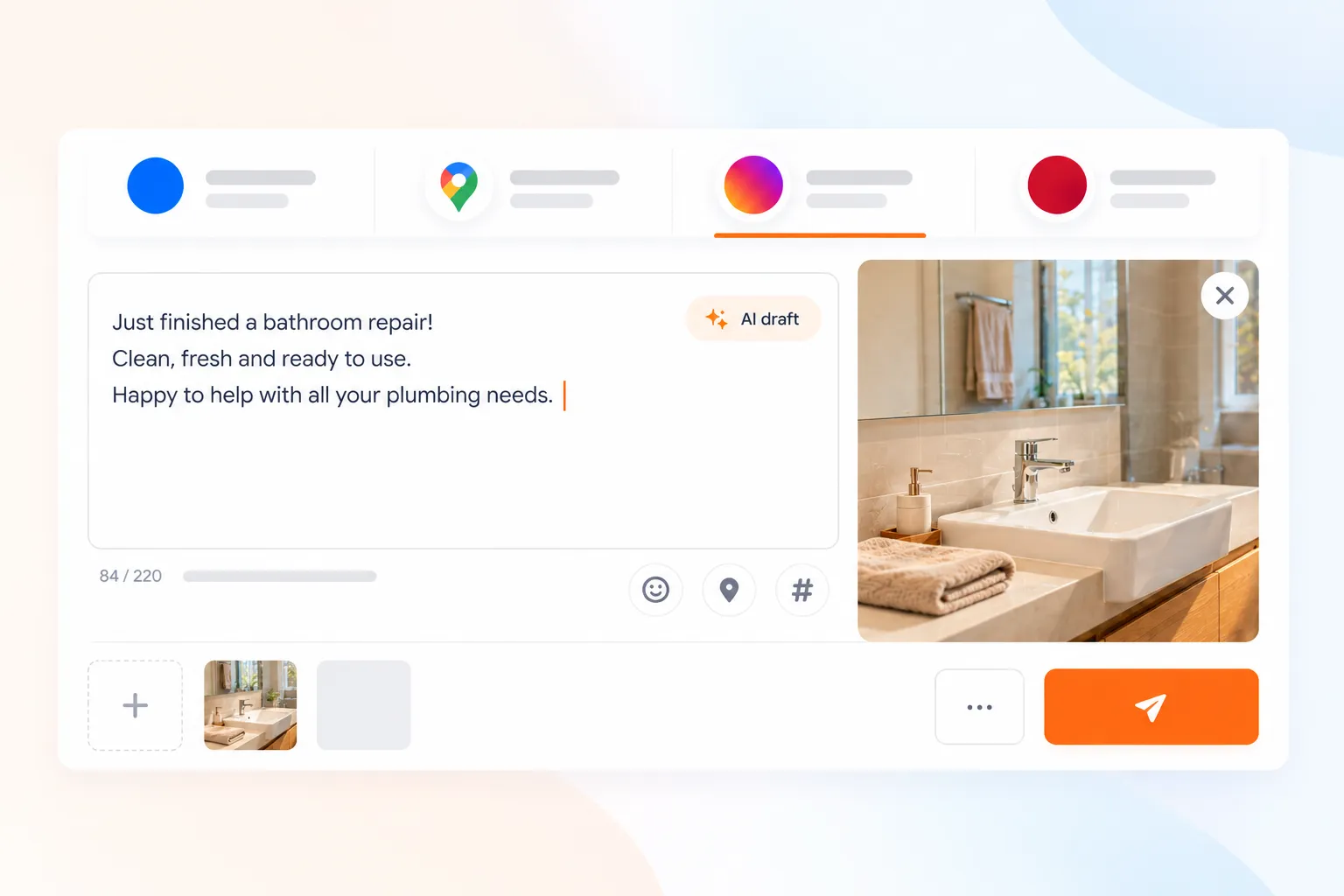
Type it yourself, or start from a draft the app writes for you.

  • AI drafts in your tone. Based on your trade and your city. Edit as much as you like.
  • Images when you have no photo. Describe the job and the app makes one.
  • One caption or one for each. Change the Instagram wording and leave the others alone.
Writing a post with a caption for each channel
GoogleFacebookInstagramPinterest Sunday drain emergency? We pick up. Same-day visits, fair prices, no mess left behind. AI draft · 131 of 2,200 characters

Post now or schedule it

Publish straight away, or write on Sunday evening for the week ahead.

  • One calendar. See what's scheduled and what already went out.
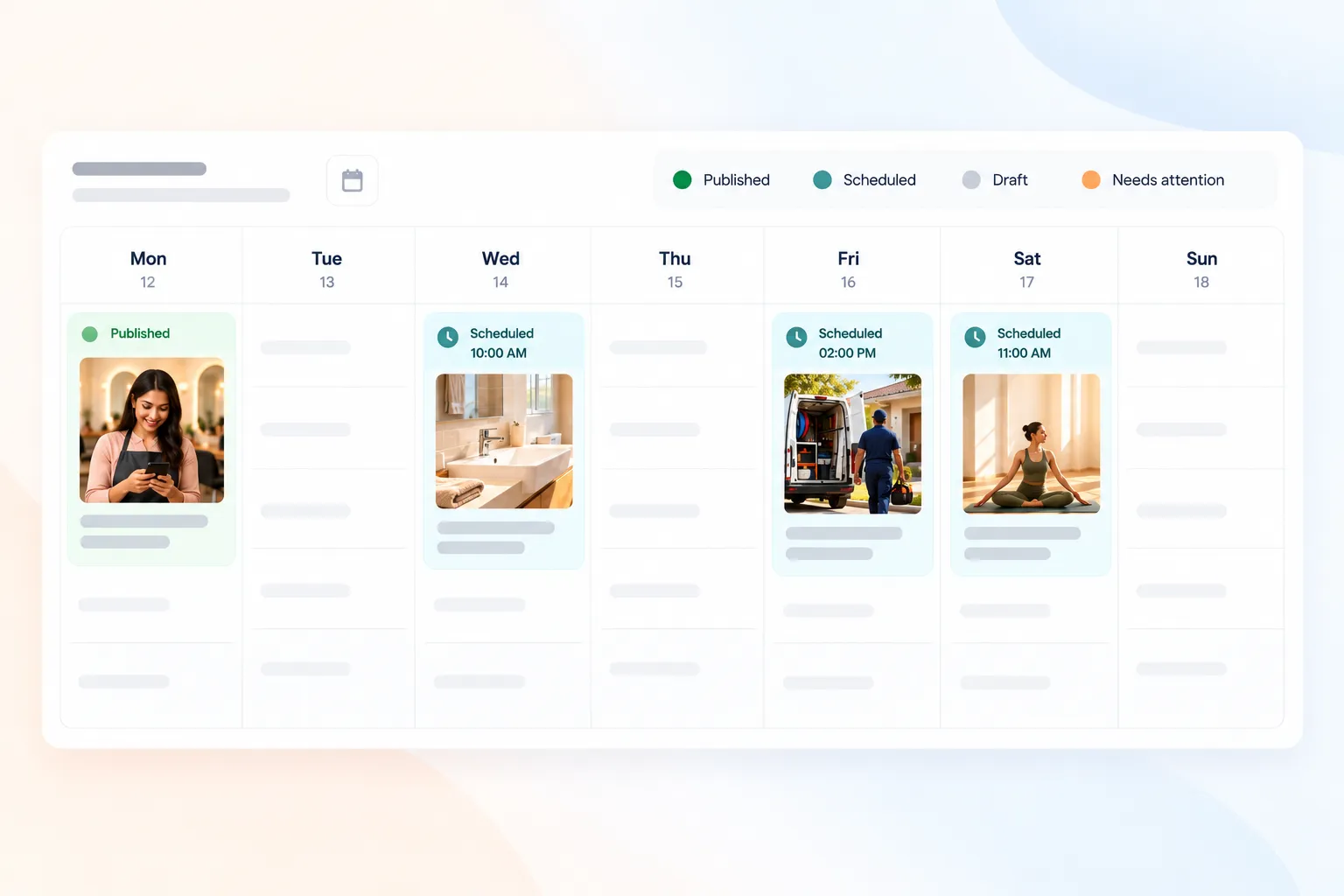
The calendar showing this week's posts

Mon10:00 am · Published

Wed6:00 pm · Scheduled

Fri10:00 am · Scheduled

Sat11:30 am · Scheduled

More in the app

What's in the app.

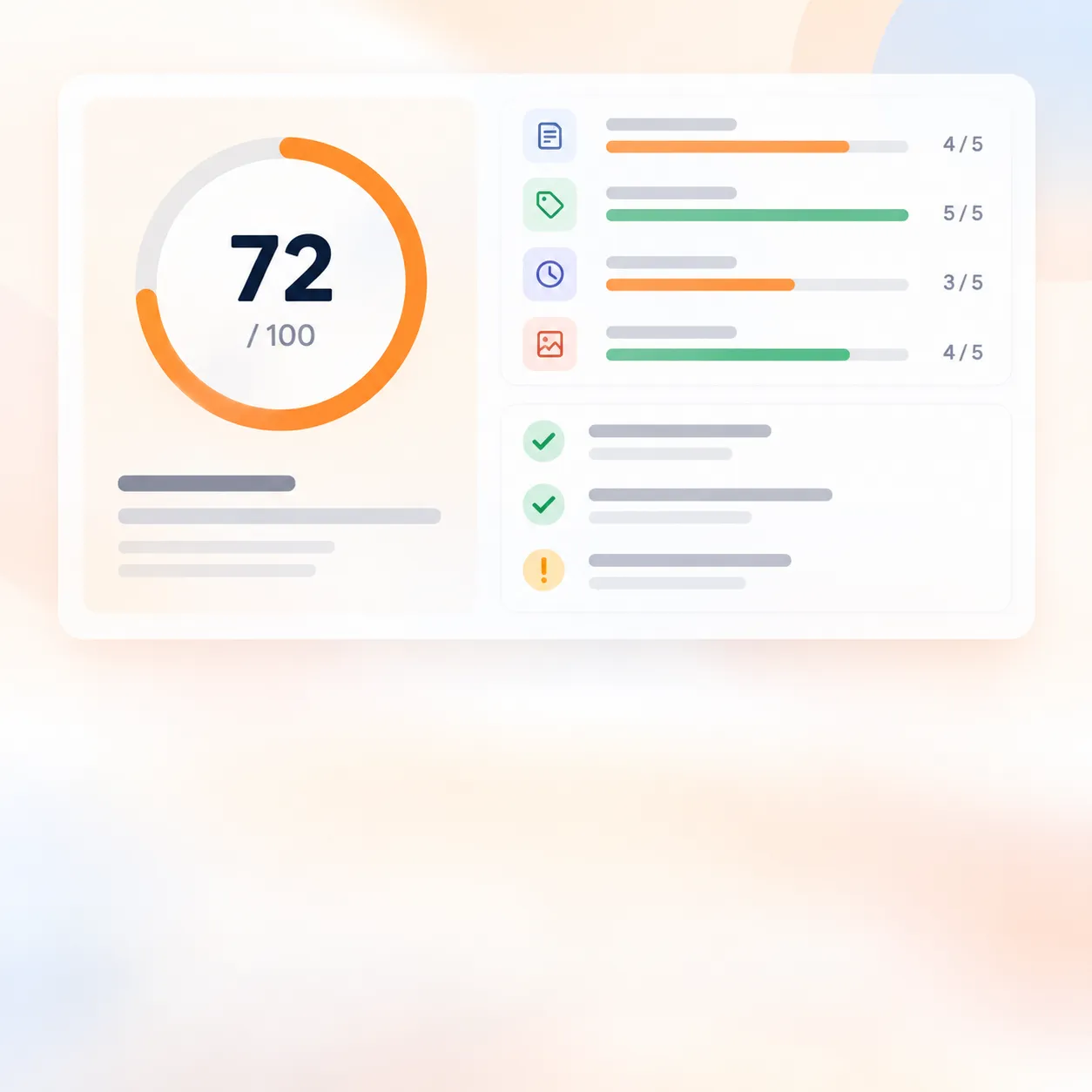
A Google profile score out of 100 with the fixes to make

01 · Google

Google profile score

Run an analysis of your Google listing and get a score out of 100.

  • See what is missing: description, categories, services, opening hours and photos.
  • Fix it in one place, with each change shown next to what Google has now.
  • Send the fixes you pick straight to Google.
A Story and a Reel shown on a phone

02 · Facebook and Instagram

Stories and Reels

Post a Story or a Reel to Facebook and Instagram from the same place as your posts.

  • A Reel from a video.
  • A Story from a photo or a video, or up to 10 photos, one frame each.
  • Photos and videos are checked against each channel's rules before you publish.
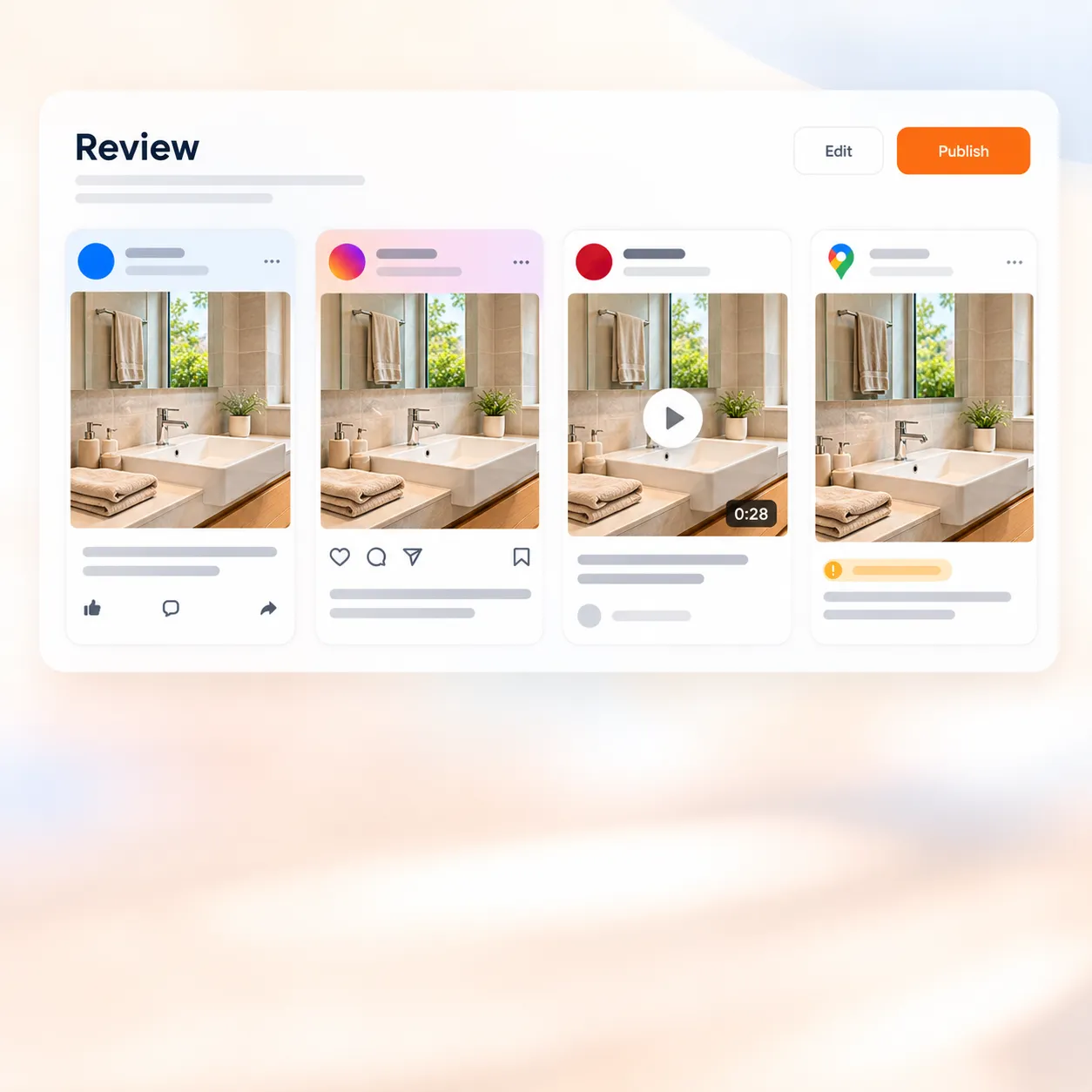
The review step with a preview for each channel

03 · Before you post

See every channel before you post

The review step shows your post the way each channel will show it.

  • Change the text or the photo for one channel and leave the others alone.
  • Problems show up before you press Publish, not after.
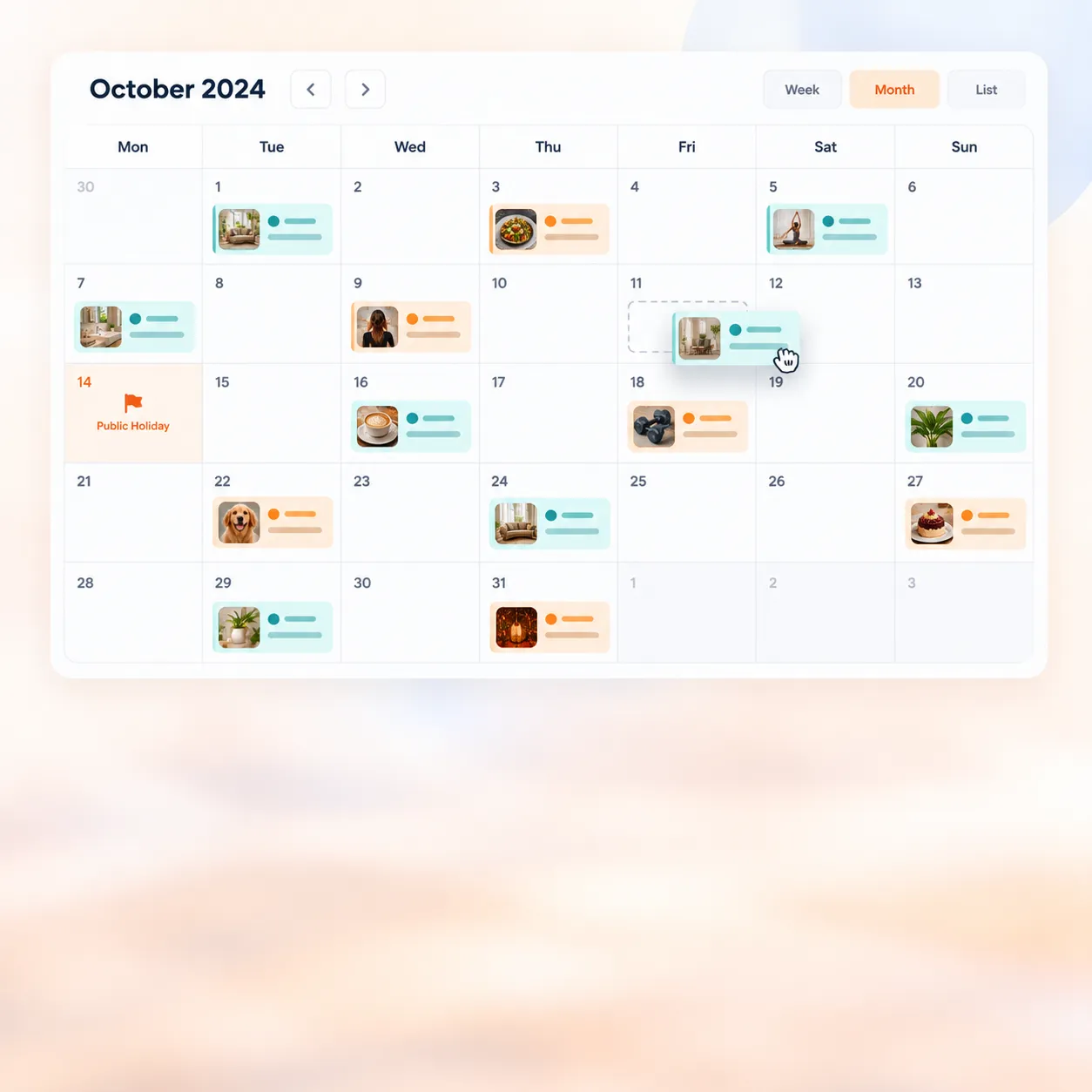
The calendar's month view with scheduled posts and a public holiday

04 · Planning

A calendar that plans with you

Everything scheduled and everything that went out, by month, week, day or as a list.

  • Drag a scheduled post to another day.
  • Public holidays coming up are marked on the calendar.
  • Label your posts and filter the calendar by label.
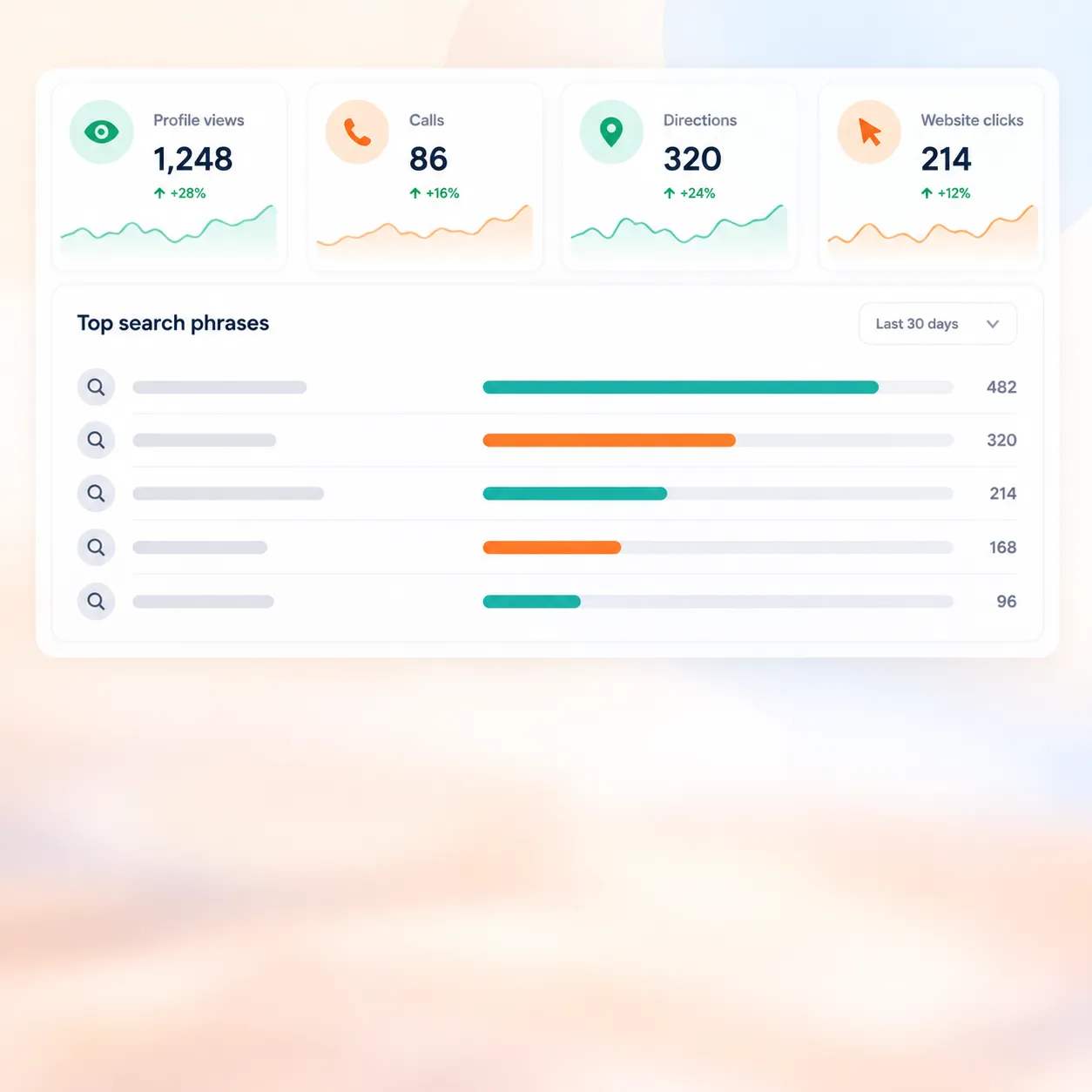
Profile views, calls and direction requests from Google

05 · Insights

Your Google numbers

See how people found you on Google, in plain words.

  • Profile views, calls, direction requests and website clicks.
  • The searches people used to find you.
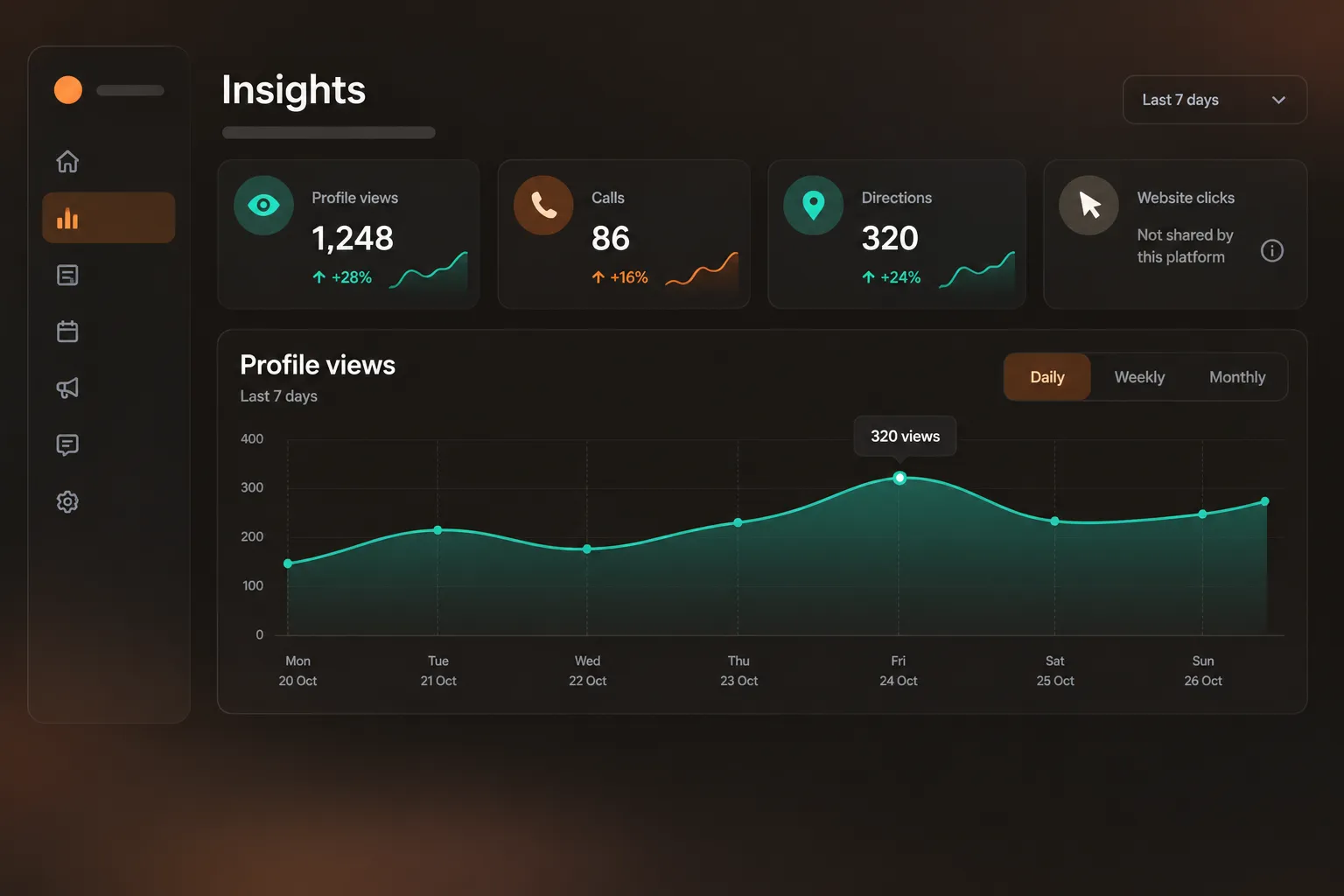
  • A number Google holds back says so, instead of showing 0.

Each of these is in the app today, in the same 14-day trial.

Insights

Numbers you can trust, in plain words

Each platform shares different things, and some share nothing. When a figure is missing, we say which platform held it back and why, instead of showing a zero that isn't true.

A short summary lands in your inbox every Monday.

What your Monday summary looks like Sample figures

Views across all platforms248

Calls from your Google listing0

Reach on FacebookNot shared by Facebook

Views on InstagramNot in yet

The Insights screen in Social Connect

Who it's for

Built for one shop, one salon, one van

You already use Sulekha

Sign in with the mobile number on your Sulekha account. Your business details are already there.

Sign in with your number

You're new to Sulekha

Sign up in a couple of minutes. You don't need to advertise with Sulekha to use this.

Create your account

Someone posts for you

A Sulekha colleague can set it up and post on your behalf. You approve what goes out.

Ask your Sulekha account manager to set it up.

Questions

Questions owners ask us

Do I need a Sulekha listing?

No. This works on its own. If you do advertise with Sulekha, sign in with the same mobile number and your details carry over.

Which channels can I post to?

Google Business Profile, Facebook Pages, Instagram and Pinterest. Connect each one once. After that, every post can go to all of them.

What happens after the 14 days?

We email you three days before the trial ends. If you do nothing, the account pauses. Nothing is charged and nothing you wrote is deleted.

What if I cancel?

You keep posting until the end of the period you have paid for. Posts already published stay on Google, Facebook, Instagram and Pinterest — they are yours.

Can I change what the AI writes?

Yes. Drafts are written in your tone, based on your trade and your city, and you can edit as much as you like. You can always write the post yourself.

What happens when a platform signs me out?

Platforms sign you out now and then. We tell you before your next post is due and give you a one-tap reconnect.

Can someone at Sulekha post for me?

Yes. A Sulekha colleague can set it up and post on your behalf, and you approve what goes out. Ask your Sulekha account manager.

Do you see my passwords?

No. You sign in on Google, Facebook, Instagram and Pinterest themselves, and they give Social Connect permission to post for you. We never ask for or keep your passwords.

Your next post takes five minutes

14 days free. No card needed.